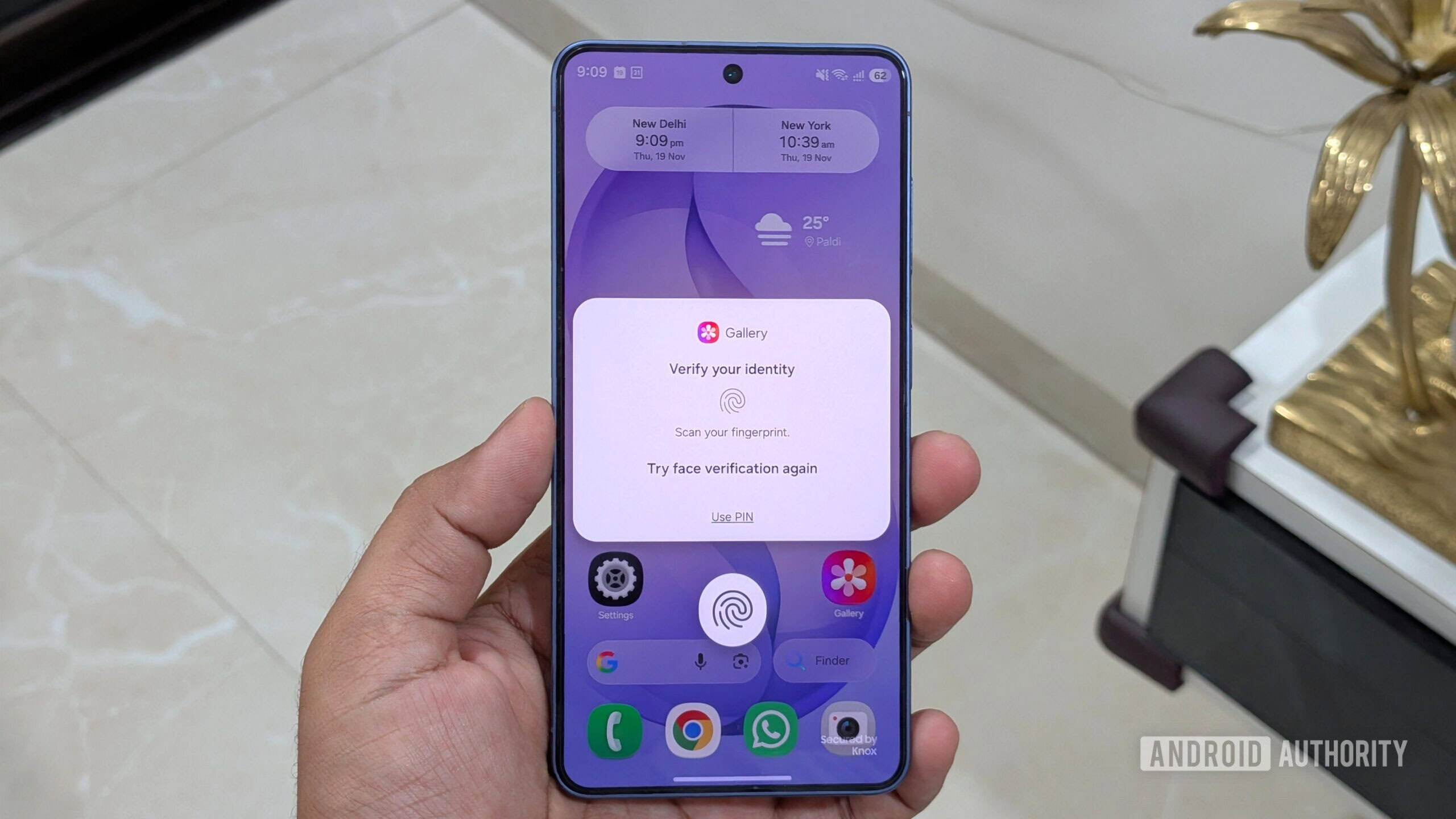
How to use App Lock in One UI 9.5 (and when Secure Folder is still better)
Android Authority androidauthority.com
Aurekai listening
Listen to this summary
Original instrumental score; voice stays in front.
Ready to listen
This reads the text available on this page using your browser's voice. It is not a publisher-recorded narration; voice processing depends on your browser.App Lock has to be one of the most highly requested One UI features of all time. It’s something so basic, and yet Samsung hasn’t offered it for all these years. That’s finally changing. Samsung recently released the first beta of One UI 9.5 for the Galaxy S26 series, and it brings native app locking. Here’s how it works, and why it’s still not a replacement for Secure Folder.
More ways to use this
Open on another device

Scan to open this page. Your saved notes and account access are not included.
 Nadav got a fraction of the Anthropic shares he wanted. He’s still happy
 U.S. urges critical infrastructure orgs to secure refrigeration systems ASAP after EU supermarket and blood bank attacks