Discover · howtogeek.com

I regretted updating my iPhone to iOS 27, but these 5 changes fixed it

How-To Geek howtogeek.com

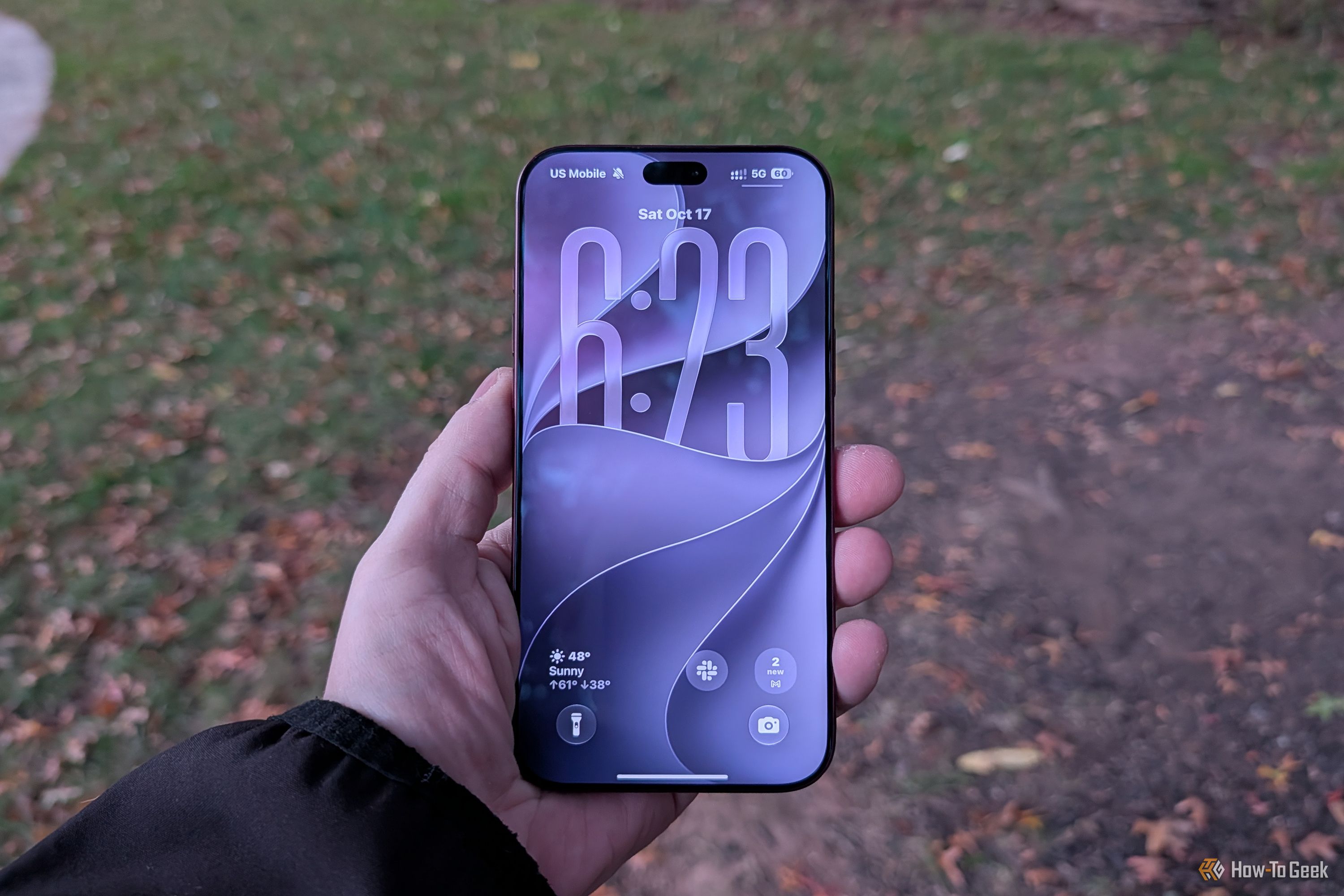
I was genuinely excited when Apple released its new iPhones with iOS 27. I love trying new iPhone features, so I installed the update as soon as I could. But that excitement didn’t last long. Within days, I was already getting annoyed with my iPhone. The animations felt sluggish. Liquid Glass wasn’t growing on me, and a few everyday things just didn’t feel right anymore. I actually regretted updating. Before giving up on iOS 27, I decided to dig into settings and change a few things. These five tweaks made my iPhone much easier to live with again.

More ways to use this
Open on another device
Scan this QR code to open the same public page

Scan to open this page. Your saved notes and account access are not included.

Download QR code

Open the page link

Keep going

Each of these is read from what this estate already kept: the feed a piece came through, the publisher behind it, the credits and topics the publisher printed. None of it is a recommendation, an identity or a record kept anywhere else.

More like this

Also from How-To Geek

  1. Save $132 on Garmin's vivoactive 5 smartwatch and track your health for lessListed at $132 HTG Deals Desk howtogeek.com
  2. Save 42% on MATEIN's Travel Laptop Backpack and simplify your holiday travelHTG Deals Desk howtogeek.com
  3. Glorious's GMMK 2 65% Keyboard is less than $50 and ready for tinkeringListed at $50 HTG Deals Desk howtogeek.com
  4. 4 Netflix miniseries that fit neatly into a hotel room stayTyler Dupont howtogeek.com
  5. I cut Chrome’s RAM use by 24 percent without closing (or freezing) a single tabDibakar Ghosh howtogeek.com
  6. Save $300 on Samsung's 55-inch The Frame Pro and enjoy glare-free viewingListed at $300 HTG Deals Desk howtogeek.com